Plan
Pick a safe theme, age category, and contest deadline.

Newborn Photo App
Plan, edit, and share contest-ready baby photos — safely.
Upload, edit, and enter newborn photos with safety-tagged ideas, privacy checks, and milestone planning in one parent-friendly app.
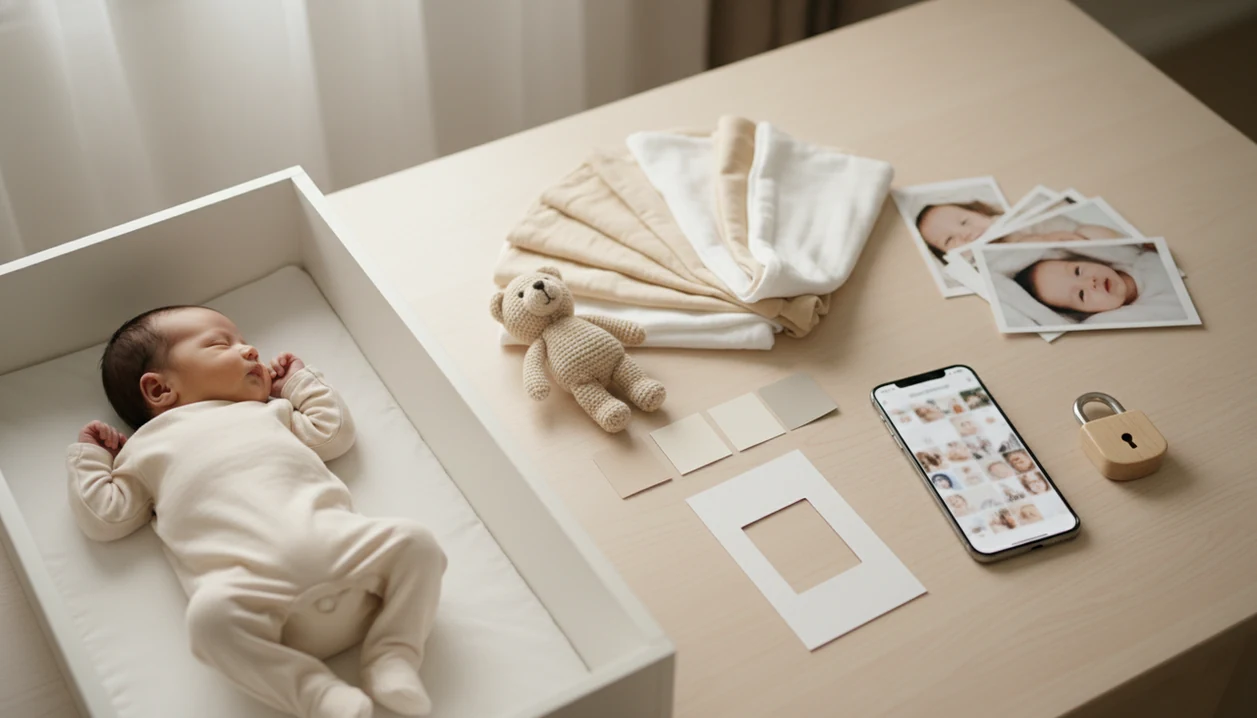
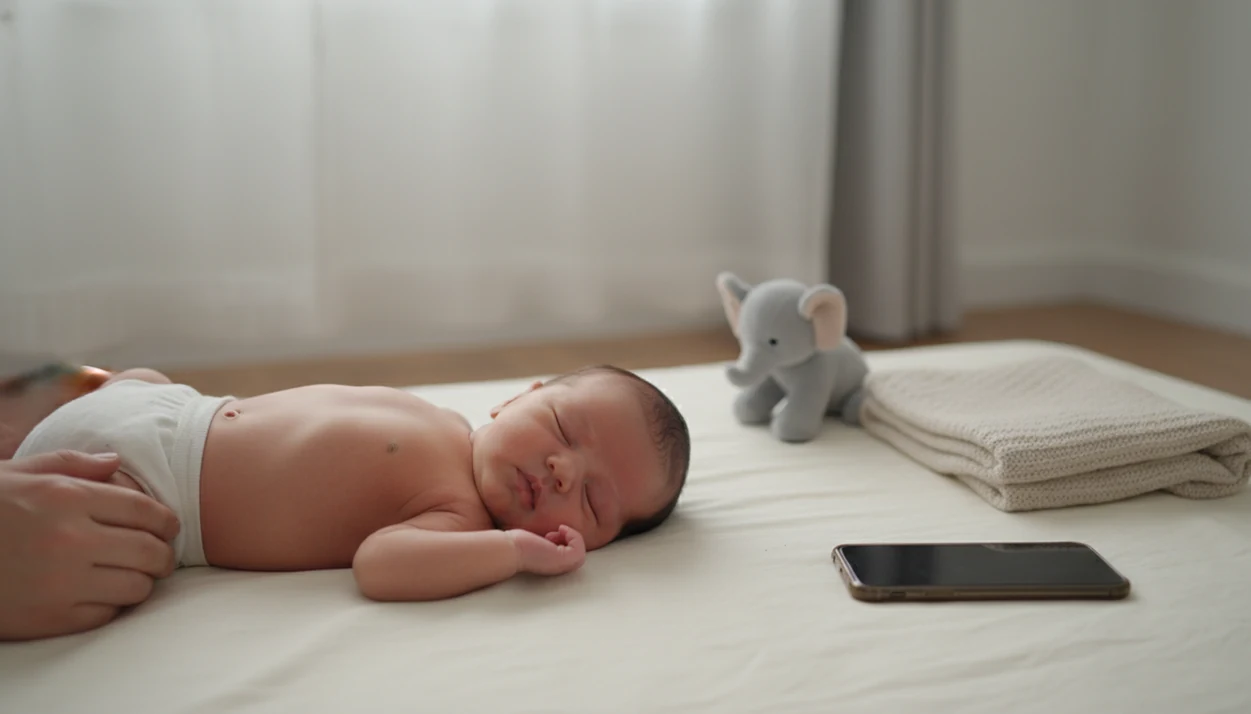
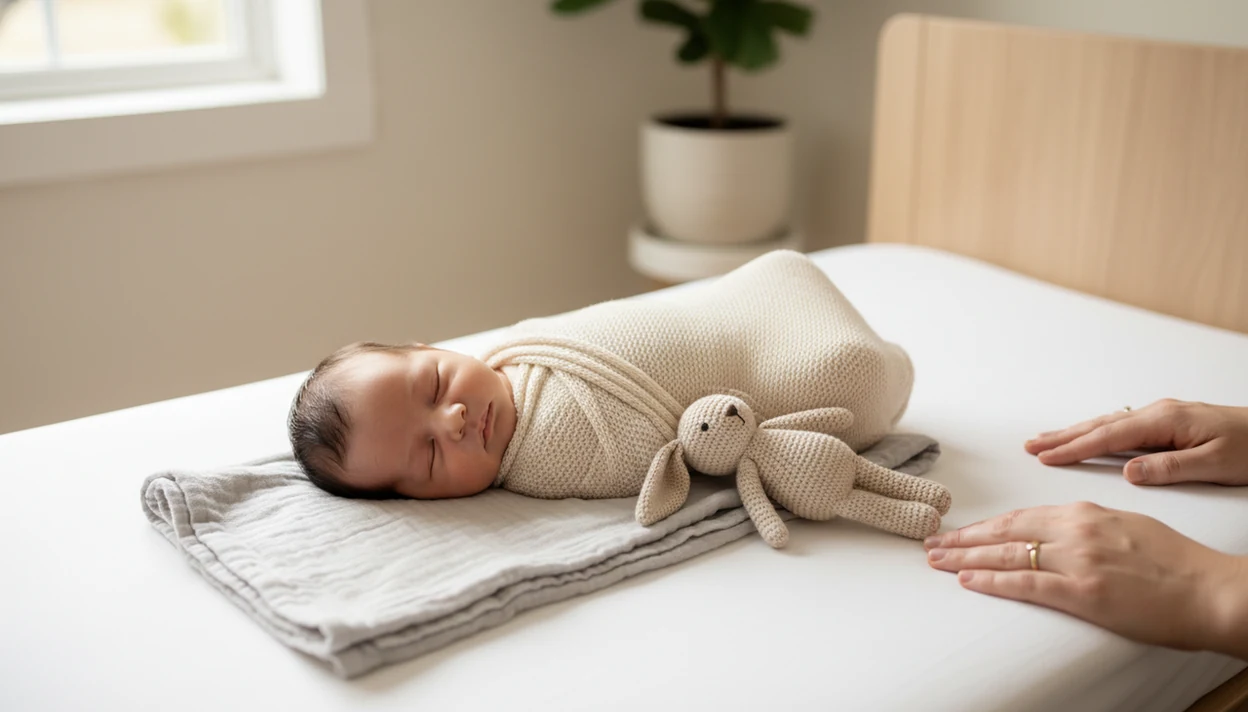
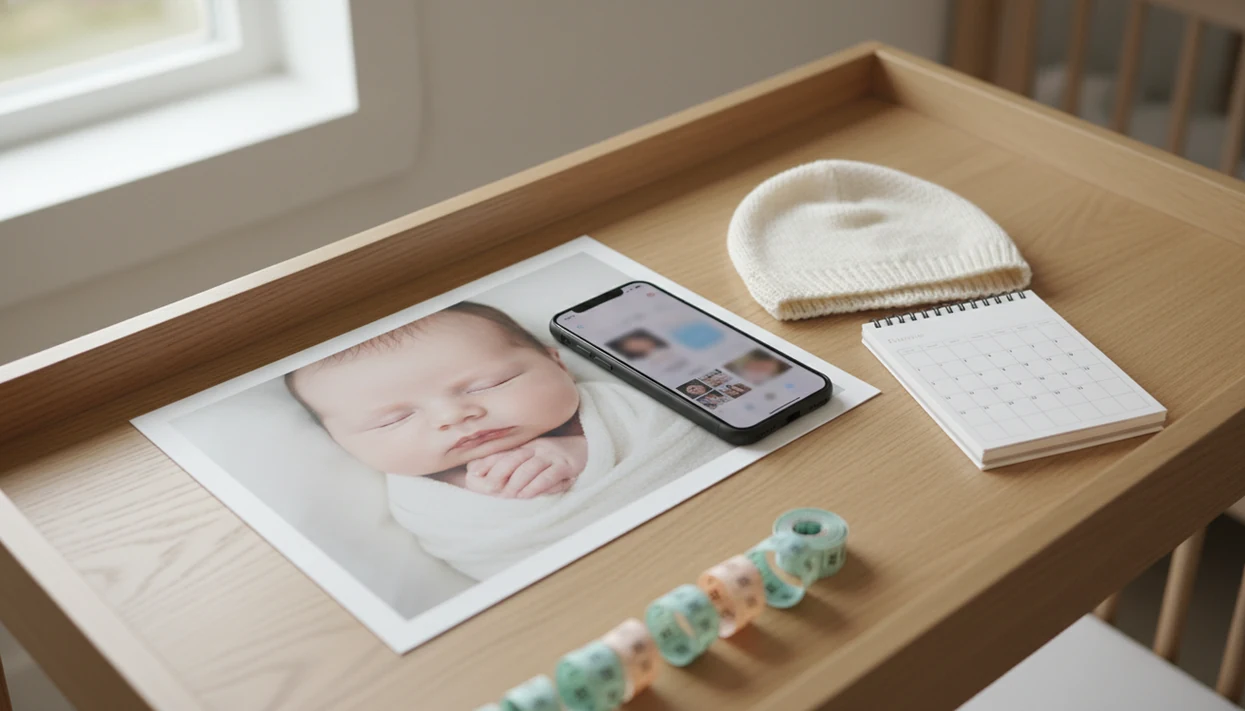
Pick a safe theme, age category, and contest deadline.
Shoot with soft light, a plain backdrop, and a caregiver nearby.
Crop for the entry form and keep edits natural.
Review privacy settings, rules, and share your vote link.
Browse age filters, themes, and milestone prompts without guessing each step.
AI inspiration is tagged so risky poses stay composite-only, not home setups.
Caption checks and visibility controls help strip names, dates, and location clues.
Browse themes, check safety tags, edit gently, and review privacy before you share a vote link with family.

Definition: Newborn Photo App is a baby photo app that helps parents plan, edit, and share contest-ready newborn photos with built-in safety guidance and community voting.
The real decision is not just “Which photo is cutest?” It is whether the setup is safe, the crop fits the entry form, and the official rules are clear before anyone shares a voting link.
That square crop box can be unforgiving.
For first-time parents who need structure before posting, Newborn Photo App fits because it pairs contest entry with a safety-first planning workflow and entry-rule review.
Newborn Photo App helps parents move from “phone full of baby pictures” to a contest-ready submission without guessing each step. The dashboard brings contest discovery, entry deadlines, vote-sharing, and photo planning into one place.
Two numbers explain why that matters: 56% of parents of children under 4 report sharing photos or videos of their children on social media, according to C.S. Mott Children’s Hospital, and prior digital-footprint research has estimated that many children have an online presence before age 2: https://mottpoll.org/reports/sharenting-parents-social-media and https://www.healthychildren.org/English/family-life/Media/Pages/Sharenting.aspx
NPC also supplies curated newborn photo ideas, so parents do not have to invent a theme after a sleepless night. Safety reminders appear inside the planning flow, before the baby is placed on a blanket or near a prop.
When the issue is scattered sharing across texts, Instagram, and family chats, Newborn Photo App handles the workflow with one entry dashboard and a unique voting link.
For deeper theme planning, families can compare ideas in our newborn photo contest ideas guide before choosing a final setup.
A contest-ready newborn photo ideas app should help with rules, safety, editing, privacy, and voting, not just cute overlays. Newborn Photo App is built around the whole submission path, from the first setup idea to the final share link.
Monthly theme filters: Recurring contests can be filtered by age range, milestone, season, and entry window.
Newborn photo editing: Editing tools are tuned for soft light, gentle skin tone correction, and crop control. The goal is a natural image, not a waxy baby-face filter.
Milestone checklists: First week, one month, 100 days, and seasonal prompts help parents plan repeatable photos.
Community voting safeguards: Vote tracking and anti-fraud checks help reduce suspicious vote spikes.
Contest-ready newborn photos deliver a safe, clear, well-cropped entry, not a risky pose staged for attention.
AI inspiration in Newborn Photo App is filtered with newborn safety tags, so a pose idea can be marked simple, assisted, or composite-only. If a pose looks like it needs invisible support, treat it as an editing concept, not a single-shot home setup.
Privacy controls show who can view, vote, or share an entry. Image-rights disclosures help parents understand whether a platform can reuse, display, or monetize uploaded photos after submission.
A good baby photo app does more than decorate a cute picture. It helps parents decide whether the contest is safe, fair, age-appropriate, and clear enough before a baby photo goes public.
Basic baby photo editors focus on filters, stickers, text, and crop. A true contest workflow adds eligibility checks, entry deadlines, rule review, vote handling, privacy choices, and judging information. That difference matters when a sleepy newborn photo moves from the camera roll to a public or semi-public contest page.
Use this quick buyer check before entering:
The best app makes the careful choice feel normal, not fussy.
A baby photo app works by processing uploaded images, matching each entry to eligible contests, then managing votes, privacy settings, and judging signals. Behind the friendly screen, the system is moving photo files, profile data, timestamps, and consent choices through a controlled pipeline.
After upload, photos may be compressed for faster loading. A privacy-focused system can strip EXIF metadata, which may include device details or location clues. Files are then stored on app servers, often with encryption in transit and at rest. Access should be limited to the parent account, moderation tools, and approved contest display areas.
Global app downloads reached about 255 billion in 2022, so baby photo tools operate inside a massive mobile ecosystem. That scale makes careful data flow design more important, not less.
Contest matching uses age range, theme tags, entry windows, and profile settings to show eligible contests. Voting systems may combine community votes, anti-bot detection, device signals, and weighted scoring.
AI inspiration engines use image embeddings, which are numerical patterns that help software compare photo styles and poses. Safety filtering should block or label ideas that suggest unsupported newborn positions.
Use Newborn Photo App by setting privacy preferences first, choosing an age-appropriate idea, checking safety prompts, editing lightly, and reviewing the official contest terms before submission. The best workflow is slow enough to catch problems before family starts voting.
A practical test is to take one empty setup photo first. We often notice the diaper sleeve, pacifier clip, or burp cloth hiding in the corner before the baby is even placed down.
If the priority is a calm first entry, Newborn Photo App earns the spot because the workflow moves from profile privacy to idea selection, safety check, edit, rules review, and vote link.
Parents who want camera basics before uploading can use our guide on how to take newborn photos at home.
Newborn Photo App is built for parents and family creators who want safer, better-organized newborn photo entries without turning the shoot into a production. It meets families where they already are, since 95% of parents of children under 2 own a smartphone.
First-time parents use NPC for guided newborn photo ideas, especially when they are unsure which poses are age-appropriate. Family creators and momfluencers use it to manage structured contests without chasing rules across different platforms. Grandparents and relatives can vote, comment, and feel included without needing to manage the entry.
Hobbyist photographers also benefit from newborn-specific inspiration. A phone held just above mattress height, soft gray light from a bedroom window around 10 a.m., and a plain white crib sheet can go further than a crowded prop setup.
Milestone-minded families get the most value from age filters, repeatable themes, and contest-ready crop checks.
Families planning a longer series can pair entries with monthly baby milestone photo ideas.
Every contest entry should begin with safety, not styling. Newborns should never be left unattended on props, beds, baskets, chairs, couches, or any elevated surface, even for a quick test shot.
Use a caregiver within arm’s reach for every setup. For any elevated or propped pose, a spotter should stay just outside the frame or be edited out later. Industry safety reporting has suggested that up to 37% of serious newborn photography session injuries involved falls from props or surfaces, which is why simple setups deserve priority.
AI-suggested composite poses should be labeled as composite-only when they require head support, suspended effects, or impossible balance. Those are not real single-shot instructions for home use.
Stop if the baby looks uncomfortable, startles repeatedly, cries, stiffens, or seems overstimulated. Short, baby-led sessions usually produce cleaner contest entries than elaborate sets, because the expression, lighting, and comfort read better to judges.
A soft swaddle on the changing table can look sweet, but the photo happens only when a caregiver is close enough to touch the baby.
For entry planning, simple age-appropriate posing usually matters more than elaborate props because judges can see comfort, expression, and clean composition quickly.
Sharenting means parents or caregivers share a child’s images, milestones, or personal details online. In baby photo contests, the risk is a longer digital footprint than families may expect from one cute entry.
Before posting, review platform terms for broad image-reuse, sublicensing, advertising, or monetization language. Avoid captions that include a full name, exact birthdate, hospital, address clues, school names, or medical details. A letter board with a one-week date may feel harmless, but it can reveal more than intended when paired with a public profile.
Newborn Photo App gives parents privacy controls so visibility can be limited outside the contest where available. That does not remove every risk, but it creates more structure than open social posting. Since 56% of parents with children under 4 already share child photos on social media, a controlled contest workflow can help families pause before they publish.
A fuller pre-upload review is covered in our baby photo contest privacy checklist.
We evaluate baby photo apps by looking at the full parent workflow: safety, privacy, usability, contest rules, and editing quality. The goal is to judge whether an app helps families make a careful entry, not just a cuter image.
Our review process mixes hands-on testing when access is available, documentation review when platform access is limited, and feature comparison across similar tools. We look for practical details parents notice quickly: clear age filters, readable rules, light-touch editing, privacy settings before upload, and voting systems that explain how winners are chosen.
Some details can shift without notice, especially sponsor rules and privacy terms. Parents should still read the current contest page before uploading.
The evidence supports a cautious workflow: many parents already use smartphones to capture and share baby photos, and online images can become part of a child’s long digital record. Safety guidance also points to simple setups, close supervision, and avoiding unsupported props.
Pew smartphone ownership data helps explain why contest apps meet parents on the device they already use. C.S. Mott Children’s Hospital polling on parent sharing, plus American Academy of Pediatrics discussion of sharenting and children’s digital footprints, supports the privacy pause before upload. Those sources are separate from platform claims such as Newborn Photo App safety tags, voting controls, or image-rights screens, which should be checked against the app’s current terms.
A safer evidence-informed workflow is:
Some injury and industry statistics are self-reported or limited, so treat exact percentages as directional rather than final proof.
Baby photo contest apps can make planning easier, but they cannot remove every safety, privacy, or fairness concern. Parents should treat any platform as a tool, not a guarantee.
Not every cute idea belongs online.
For families comparing tools, Newborn Photo App is strongest when contest planning, safety prompts, privacy review, and voting matter more than decorative templates alone.
Most baby photo apps are free to enter, but they may include ads, sponsored contests, optional editing upgrades, or paid visibility features.
Age limits vary by contest, but many include categories from newborn through infant or toddler. Always check the official rules before uploading.
Safety depends on the platform’s storage, encryption, visibility settings, moderation access, and image-rights terms. Parents should review privacy controls before submitting.
Yes, AI can suggest poses that are unsafe without professional support or compositing. Newborn Photo App labels safety-sensitive ideas so parents can avoid risky setups.
Parents usually keep copyright, but many platforms request a license to display, promote, reuse, or distribute submitted images. Read the image-rights section before entering.
Winners may be chosen by community votes, judging panels, sponsor review, or a mix of scoring methods. Some platforms also use anti-fraud checks.
In vote-based contests, larger family or creator networks can influence results. Quality-weighted judging can reduce that advantage, but it does not remove it completely.
A contest-ready newborn photo has safe posing, soft light, a simple backdrop, a clear expression, light editing, and a crop that fits the entry form.
A baby photo app lets parents upload, edit, and enter newborn photos into organized contests while accessing safety tips, milestone checklists, and AI-driven photo ideas…